An Update on the Property Management Operating System I'm Building
Two real fixes this week. The morning data sync was breaking in a way I had wrong, and I wired up the cause-and-effect link in the event log only to find out the other end of the chain isn't built yet. Where the operator OS stands today, and what ships next. Part 3 of a build log.
I’ve been writing about an operating system I’m building on top of the software stack we use to run a small property management portfolio. This is a check-in on where it stands and what I worked on this week. If you want the long version of the why and the architecture, the first two posts are here: why I’m building it, and the schema move that changed how I think about it. If you’ve never read either, the next paragraph is the elevator pitch.
The short version of what this is
A property management portfolio runs on a pile of software that does not talk to itself. The accounting and tenant data live in one place. Tasks live in another. Phone calls live in a third. Texts live wherever. The operator (me, in this case) ends up being the wire between them. You forget one connection on a busy day, something falls through.
What I’m building is a thin layer that sits on top of that pile and stitches it together. There’s a database I control that pulls a fresh copy of everything I care about every morning. There’s a dashboard that answers one question: what needs attention today. There’s an event log that records every meaningful thing that happens (a call, a text, a status change, a payment). And there’s an AI layer that reads it all and drafts the routine stuff so I only have to make the judgment calls.
That’s the whole thing. Where it gets real is in the carpentry. Which is what this post is about.
Fix one: the morning data sync
The morning data pull is supposed to fire at 7am Phoenix time so that by the time I sit down at 8, the dashboard is current. This week it broke.
Ten of the twelve jobs that grab fresh property data from our source system came back rejected. The dashboard had numbers from yesterday by the time I looked at it. The easy explanation, the one I was about to act on, was that we were hitting some per-second cap on how often we’re allowed to ask for data. I was about to write a slower, throttled version of the morning pull.
Before I did, I ran a probe. From my laptop, hitting the same source system, I made 150 calls at speeds ranging from one per second up to twenty per second. Zero rejections. There was no rate cap to hit. My theory was wrong.
Here’s what was actually happening. Right before the data-grab jobs ran each morning, we sent a burst of about 230 text messages through the same source system. The system’s outer security layer didn’t like the burst and briefly soft-blocked our connection for a few seconds. The data-grab jobs hit that cooldown window and got bounced. And because the system was configured to give up after a single rejection (a bad default I inherited from earlier work), each job died on its first try.
The fix was five lines. Change the retry counter from zero to three, with a short delay between tries. The new code waits two seconds and tries again, then four, then eight. If the cooldown clears in any of those windows, the job survives. If the source system is genuinely down, it still fails fast enough to not block anything else.
That deployed today. Tomorrow’s 7am pull is the real test, but the unit tests are green and the math on the worst case is well within our daily budget. The thing I keep wanting to remember: when something looks like a rate limit and you cannot reproduce it cleanly in a probe, it is not a rate limit. It is collateral from something else.
Fix two: the cause-and-effect link in the event log
The second thing I shipped is the one I have been writing the most about. Every row in the event log records a thing that happened. The next step (and the one I called out in last week’s post) was to add a field that points back at the cause of that thing. So an outcome can be traced to the action that drove it. Action and outcome stop being two unrelated rows and start being a story an AI can follow.
The wiring was straightforward. Our dashboard has buttons that say “Make a task.” When you click one, the system creates a follow-up task in our project tool and writes a small bookkeeping row noting which dashboard signal produced it. What I added today is the harvester that reads that bookkeeping row, finds the upstream signal, and writes its ID into the new event’s cause field. The action and the outcome are now stitched at the database level. No human types anything.
I also tightened the scope of what the harvester pulls. There were three project-tool lists getting mirrored into the event log. Two of them were duplicates of signal that already exists elsewhere. The inbound-calls list was a project-tool copy of phone calls our voice system already records. The maintenance list was a project-tool copy of work orders the property software already owns. Pulling both into the event log was double-counting the same thing under different names. I cut both. The harvester now only mirrors the one list that has no equivalent anywhere else: the team’s ad hoc operational work that genuinely originates in the project tool.
Tests pass, code-reviewer signs off, deploy is clean. Then I ran the one-time backfill that should fill in the cause field on the existing rows.
The backfill updated zero rows.
Not “fewer than I hoped.” Zero.
The reason is the part worth writing down. The bookkeeping rows point at upstream events using identifiers like “work-order-3238” or “collections case 893.” Those identifiers describe real things in the operational software. The trouble is the event log doesn’t have a row called “work order 3238 created” or “collections case 893 opened.” We pull work orders into a snapshot table that overwrites every morning. We just don’t write an event when a new one appears.
The cause field is right. The thing it’s supposed to point at isn’t being written yet.
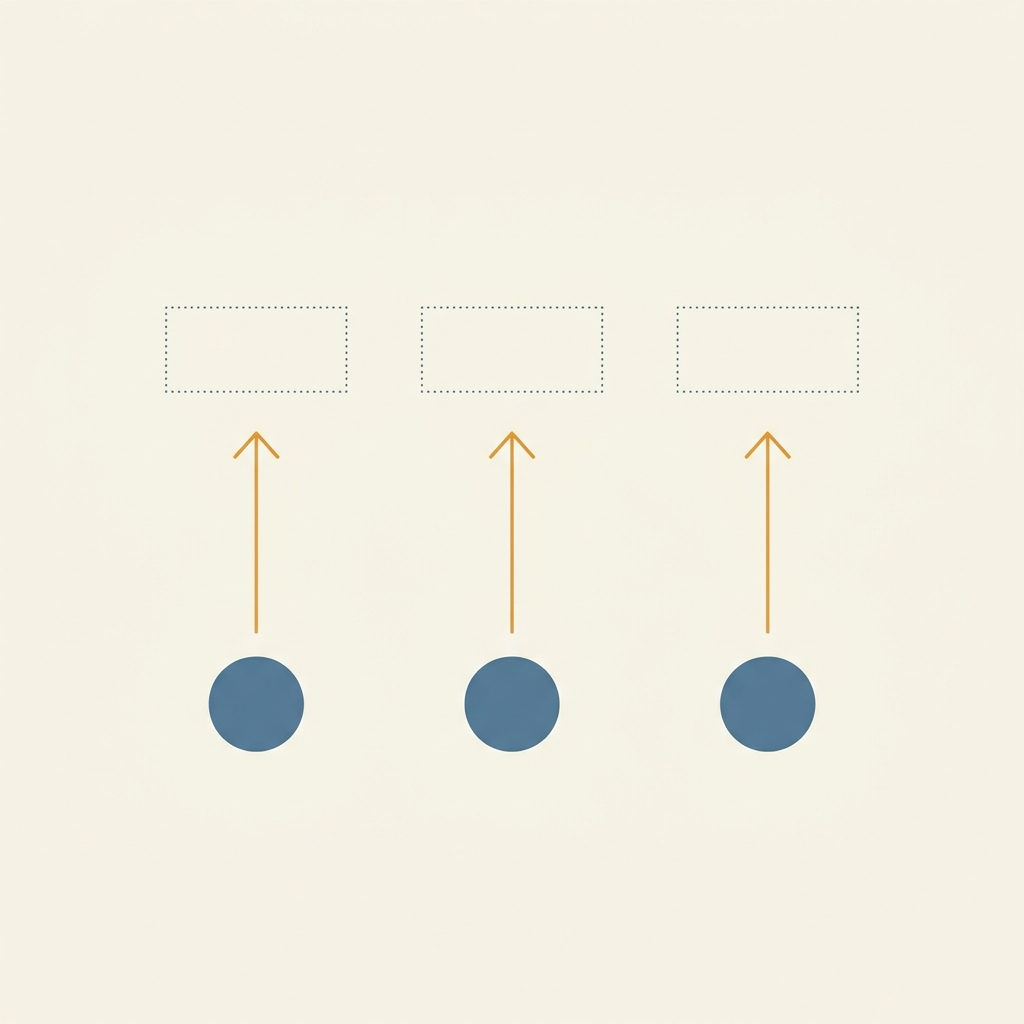
So the chain works on one end. The other end is empty.
What’s working today
Honest snapshot.
The data sync runs daily and now self-heals through the brief cooldown windows that were breaking it. The dashboard reads from a live snapshot and shows what needs attention. The event log captures everything our communication and calling and project tools produce. The dashboard’s “Make a task” buttons create deduplicated, properly classified work in the right place. The cause-and-effect field is wired and firing on every new event coming in.
About 15,000 communication events from the last day, a couple thousand emails, a handful of phone calls. The volume is there. The pipes are open.
What’s missing
The operational software is not yet emitting events. New work order, new lease, new application, new payment, lease renewal signed, move-out confirmed. These exist in the snapshot tables but they aren’t writing rows into the event log when they happen. Until they do, the cause-and-effect chain has one end attached and the other end pointing at empty space.
The AI layer is also waiting on this. An agent reading the event log right now can see activity but cannot reason about why something happened, because the why lives in events that haven’t been written.
What ships next
Pure carpentry. Walk through the daily snapshot pull and, for each operational table, detect what is new since yesterday and emit a creation event for each new row, using the same identifier the dashboard’s buttons already reference. New work orders write work-order-{id} created. New leases write lease-{id} signed. New applications, the same. Move-outs and renewals already get derived from the snapshot diff but they aren’t fully wired to the cause field; finish that wire.
None of it is novel. It is the boring half of the chain. When it lands, the existing cause-and-effect field starts pointing at real upstream events, and the backfill that returned zero today will fill in a meaningful slice of history.
The honest read
Two real fixes shipped this week. The morning sync is healthier. The cause-and-effect field is live and correct. The thing I learned, the hard way, is that wiring half of a chain feels like progress until you check the other half. The right metric is not “did the wire ship,” it’s “did the chain become a chain.”
It hasn’t yet. Soon.
If you run a portfolio and you’re anywhere near this same path, I’d actually love to hear how you’re thinking about your own event log, or whether the upstream-emission problem is one you’ve already solved cleanly. The cheap answer is “use webhooks,” and the cheap answer doesn’t survive contact with property software that doesn’t ship them. Open to learning from someone who’s already crossed this.
More soon.